The real LVGL engine
running in your browser.
The editor runs LVGL 8.4 compiled to WebAssembly. You can preview your design and test buttons and sliders in the browser, then export an Arduino project. On supported USB Live boards you can also see the design on the real display without compiling.
Free during the open beta · No credit card · Paid plans coming later
Normally you compile and flash to see a change on the display. With USB Live, the display updates while you edit.
From idea to a working screen
in four steps
You don't have to find a display driver or set up LVGL by hand.
Pick your board
Choose your ESP32 display from 100+ boards made by Waveshare, Makerfabs, LilyGO, M5Stack, Elecrow, Guition and Sunton. The canvas matches its exact resolution and shape: round, square or bar.
Design it visually
Drag widgets and ready-made components onto the canvas, then set colors, fonts and sizes in the properties panel.
Add logic without code
You choose what happens from menus. For example, a button can open another screen or turn on an LED. Then try it in Live Preview.
Run it on the real display
Export an Arduino project with the board's driver and a README with the IDE settings. On USB Live boards you can also mirror the design to the display.
What the editor can do
It works well for control panels, smart home dashboards and measuring instruments. You design the screens, add the logic and test it in one place.
The real LVGL engine
The canvas uses LVGL 8.4 compiled to WebAssembly, the same version that ends up in the exported project. You can preview the layout and test how the widgets behave in the browser.
Drag & drop editor
Buttons, sliders, arcs, meters, charts, tables, keyboards and your own images. Snapping, rulers, alignment, undo/redo and a full style panel.
Ready-made components & demos
Add a keypad, login form, gauge, dial, nav bar, settings row or stereo VU meter with one click. You can also open a finished demo project (thermostat, smart home panel, VU meter) and change it.
Visual event editor
Make it do things without writing code: switch screens, update labels with live values, toggle LEDs, show dialogs, drive GPIO pins, and use variables, conditions and timers.
Interactive Live Preview
You can tap buttons, move sliders and switch screens in the browser while your events are running. This helps you catch logic mistakes before flashing the board.
Multi-screen apps
Make as many screens as you need, with animated transitions between them. Each one becomes its own LVGL screen in the code.
100+ ESP32 display boards
Waveshare, Makerfabs, LilyGO, M5Stack, Elecrow, Guition and Sunton boards with exact resolution and shape. Each driver is marked as Verified, Vendor-matched or Compile-tested.
Arduino-ready export
One ZIP with the LVGL C code, lv_conf.h, the board's driver files and a README with the Arduino IDE settings and library versions. Open it in the Arduino IDE and compile.
USB Live
On supported USB Live boards, changes appear on the display over USB without compiling or reflashing. You can also flash the USB Live firmware directly from the browser. No Arduino IDE needed.
MQTT & Home Assistant
The board connects to your MQTT broker. Events can send and receive messages, and the widgets you choose can appear automatically in Home Assistant. WiFi and MQTT passwords stay in a local secrets.h file on your computer.
Memory estimator
Live SRAM and PSRAM estimates while you design, so you know your screens, images and buffers will fit before you compile.
Cloud projects
Projects are saved to your account and can be opened from any browser.
Buttons that actually
do something
You choose from menus what each button, slider and screen does. The editor turns it into LVGL C code for the export.
Conditions with AND / OR and an "else" branch, delays, parallel or step-by-step sequences, and variables shared across screens.
Visual event editor
Triggers
19 actions
Interactive Live Preview
Press Live Previewand use the interface as if it were on the device: tap buttons, drag sliders and arcs, flip switches and change screens while your events run. You don't have to compile and flash to find a logic mistake.
Your own C code, when you need it
For anything the menus don't cover, drop your own Arduino code into any event, into the startup code or into the global declarations, with a built-in syntax-highlighted editor and ready-made examples to start from.
Free during the open beta · No credit card
100+ ESP32 boards, ready to go
Pick your exact board and the canvas matches its resolution and shape. More than 50 of them come with a ready-to-compile driver taken from the manufacturer's own code, so you don't have to look up pin numbers or init sequences.
Each board shows how far its driver has been tested:
Ready to build your first
smart display app?
The open beta is free. Create an account and try it with your board.
Join the Open Beta→No credit card · No commitment · Free during the open beta
Free during
the open beta.
LCD Ultra Pro is currently in free open beta. Paid plans will be introduced after the beta, and pricing will be announced before then.
Pricing to be announced
Annual plans with everything included: all widgets, all boards, USB Live, firmware flash, cloud save and code export.
Register now to join the open beta for free. Early members get special pricing when paid plans launch.
No credit card · No commitment · Free during the open beta
Hi, I'm Zsolt
Founder of LCD Ultra Pro · Alicante, Spain
I'm an independent developer, and LCD Ultra Pro is a project I've been working on for quite a while.
I wanted to make working with ESP32 displays easier. I got tired of spending hours just trying to get a simple "Hello" to show up on the screen. Finding drivers, setting everything up and writing the UI by hand took so much time. So I started building a tool where you can design your interface visually, test it in the browser and export an Arduino project.
The project has grown quite a bit since I started. I'm still adding new things and improving what's already there.
LCD Ultra Pro is my own project. I've built it with some help from AI tools along the way, and now I'm opening it up for people to try. It's still in beta, so if you give it a go, let me know what you think and what could be better.
Common questions
Where to buy a board
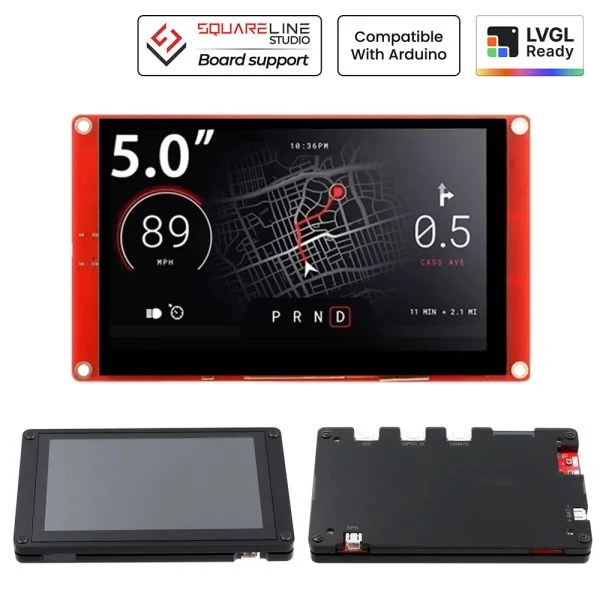
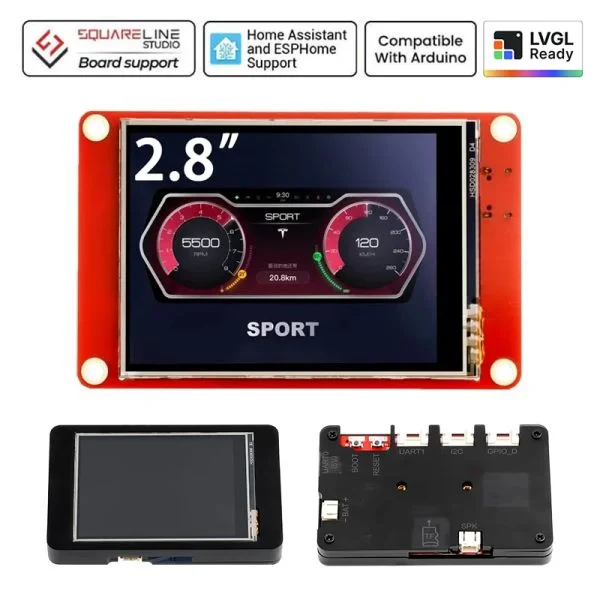
A few boards that work with LCD Ultra Pro, with direct links to buy them.